Vue.js Installation Guide
Install Node.js
Check if Node.js is installed by running: node -v.
If not, download and install it from https://nodejs.org.
Create Vue 3 App (Vite)
Run: npm create vue@latest vue-tetrons-app
Follow the prompts and select Vite + Vue 3 (no additional tools needed).
Navigate into the folder: cd vue-tetrons-app
Install dependencies: npm install
Run Development Server
Run: npm run dev
Open your browser at: http://localhost:5173
Create or Add Tetrons Editor in a Page
Create a new file: src/views/EditorView.vue or add where you require the editor
Paste the provided iframe code.
1<template>
2  <div class="container">
3    <h2>Tetrons Editor</h2>
4    <iframe
5      id="tetrons-iframe"
6      src="https://product.tetrons.com/embed"
7      style="width:100%; height:100vh; border:none;"
8      allow="clipboard-read; clipboard-write; microphone; camera"
9    ></iframe>
10  </div>
11</template>Register Route
Open: src/router/index.js or src/router/index.ts (depending on setup).
Add a route for the editor page.
1{
2  path: '/editor',
3  name: 'Editor',
4  component: () => import('../views/EditorView.vue')
5}Navigate to Editor Page
Visit: http://localhost:5173/editor
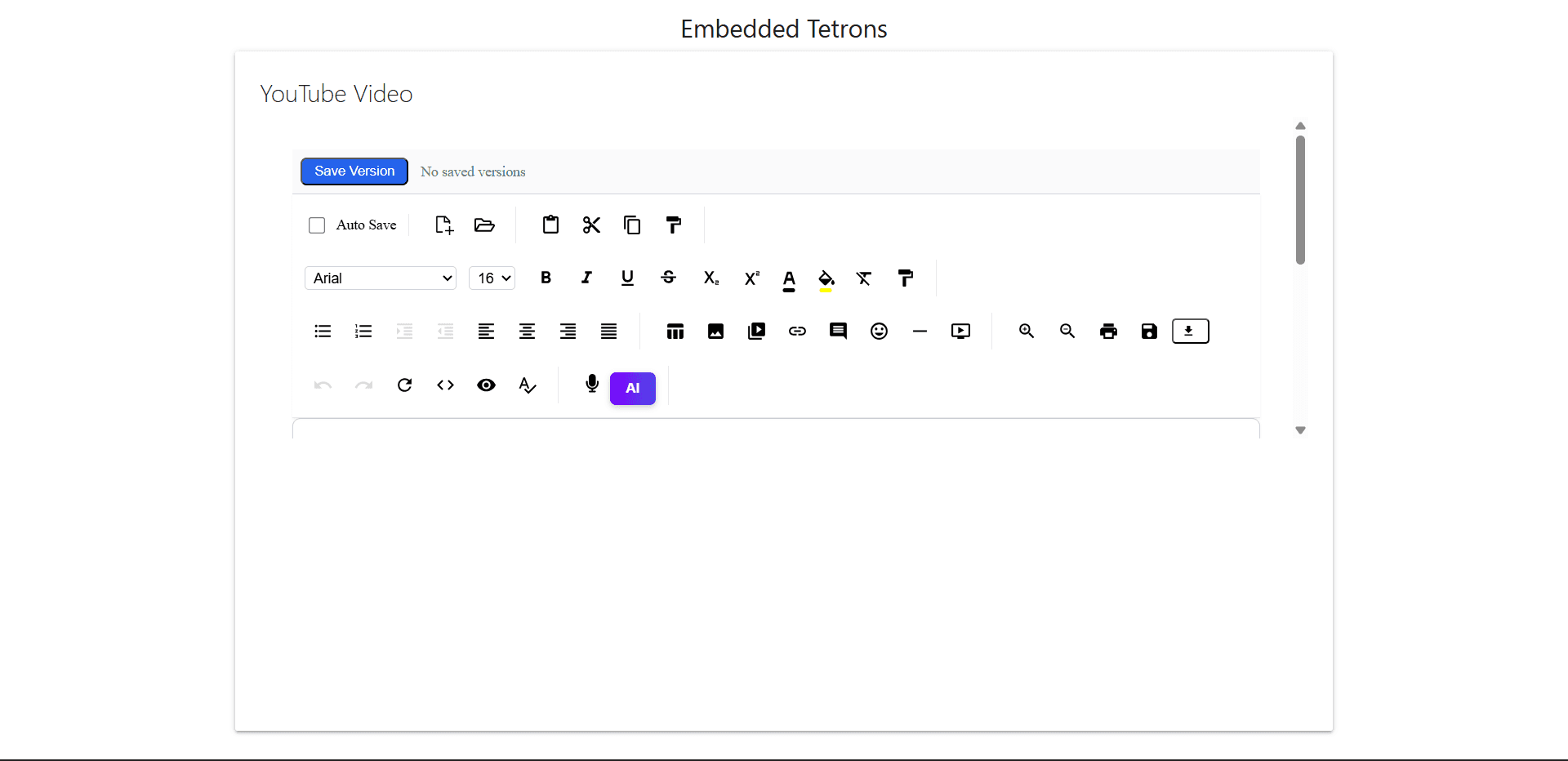
You should now see the embedded Tetrons Editor inside your Vue app.
Optional: Use Vue Router (If Not Installed)
If Vue Router wasn't included, install it manually:
Run: npm install vue-router
Set it up using the official guide: https://router.vuejs.org/guide/
Output Preview