Typescript Installation Guide
1
Initialize the project
1Step 1
Run: npm init -y
2Step 2
npm install typescript --save-dev
3Step 3
npx tsc --init
2
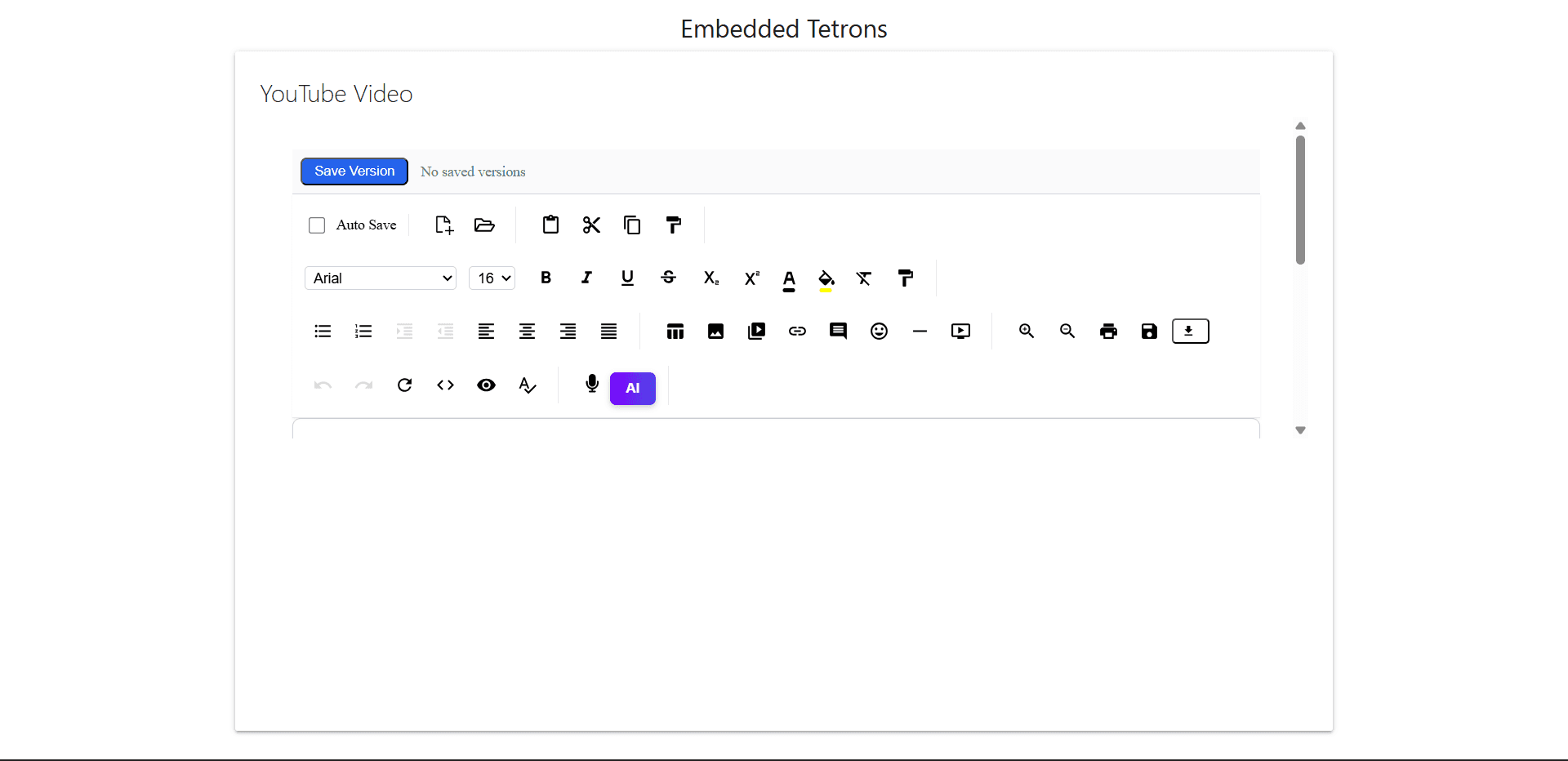
Create an html file or Add where you need it
1<body>
2  <iframe
3    id="tetrons-iframe"
4    src="https://product.tetrons.com/embed"
5    style="width:100%; height:100vh; border:none;"
6    allow="clipboard-read; clipboard-write; microphone; camera"
7  ></iframe>
8</body>
3
Create script.ts file
1document.addEventListener(“DOMContentLoaded”, () => {
2	console.log(“Typescript loaded and compiled”);
3});
4
Compile Typescript
1Step 1
Run: npx tsc
5
Open in browser
1Step 1
Open the file using live server or directly from file explorer.
Output Preview