Svelte Installation Guide
1
Create project
1Step 1
In terminal run: npm create vite@latest svelte-page -- --template svelte
2Step 2
Then run: cd svelte-page
3Step 3
Install dependencies: npm install
2
Embed Tetrons Editor
1Step 1
Navigate to: src/App.svelte or add the editor where you require it.
2Step 2
Add the provided iframe code of Tetrons editor
1<div class="container">
2  <iframe
3    id="tetrons-iframe"
4    src="https://product.tetrons.com/embed"
5    style="width:100%; height:100vh; border:none;"
6    allow="clipboard-read; clipboard-write; microphone; camera"
7  ></iframe>
8</div>
3
Run the development server
1Step 1
Run: npm run dev
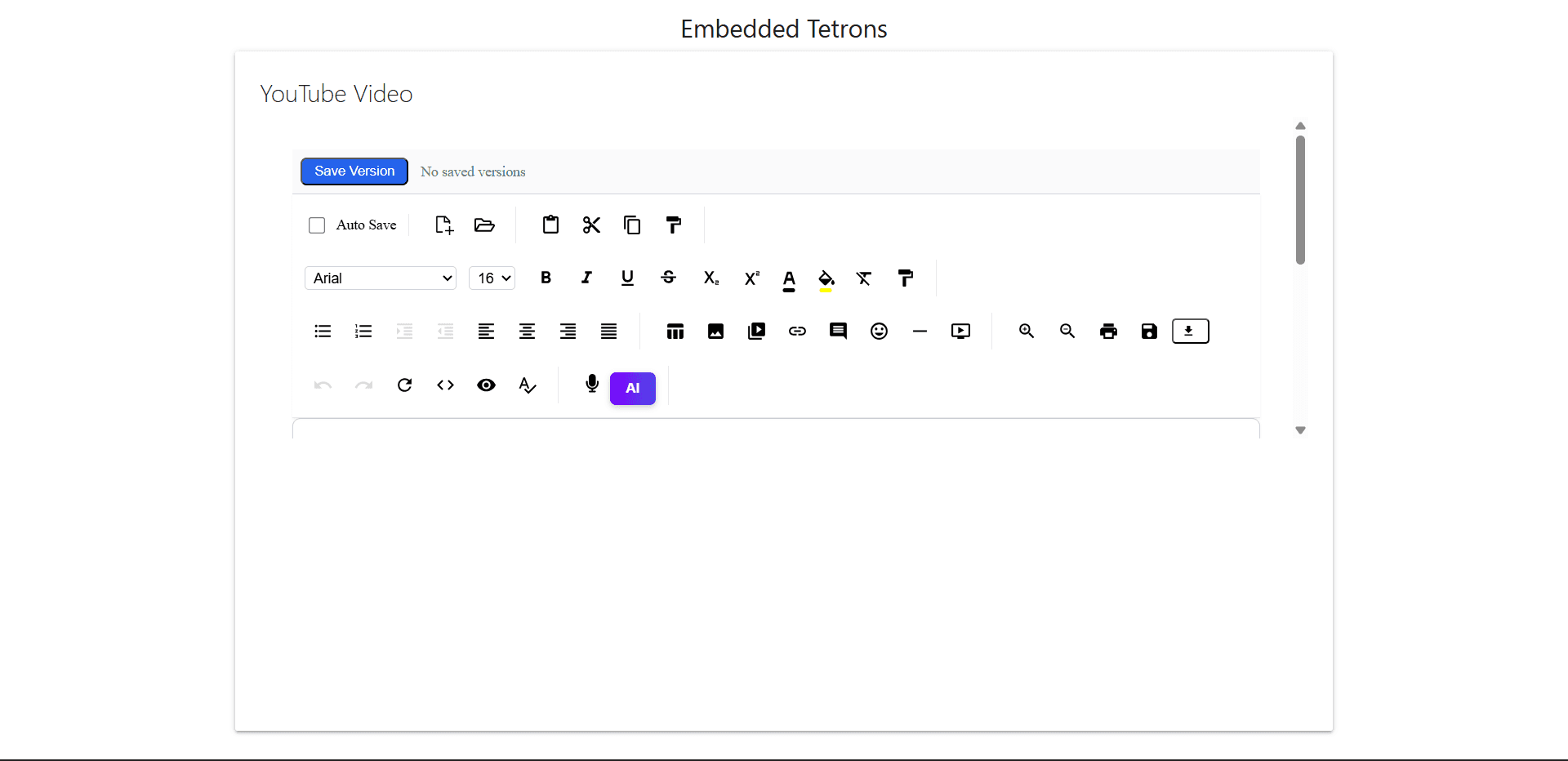
Output Preview