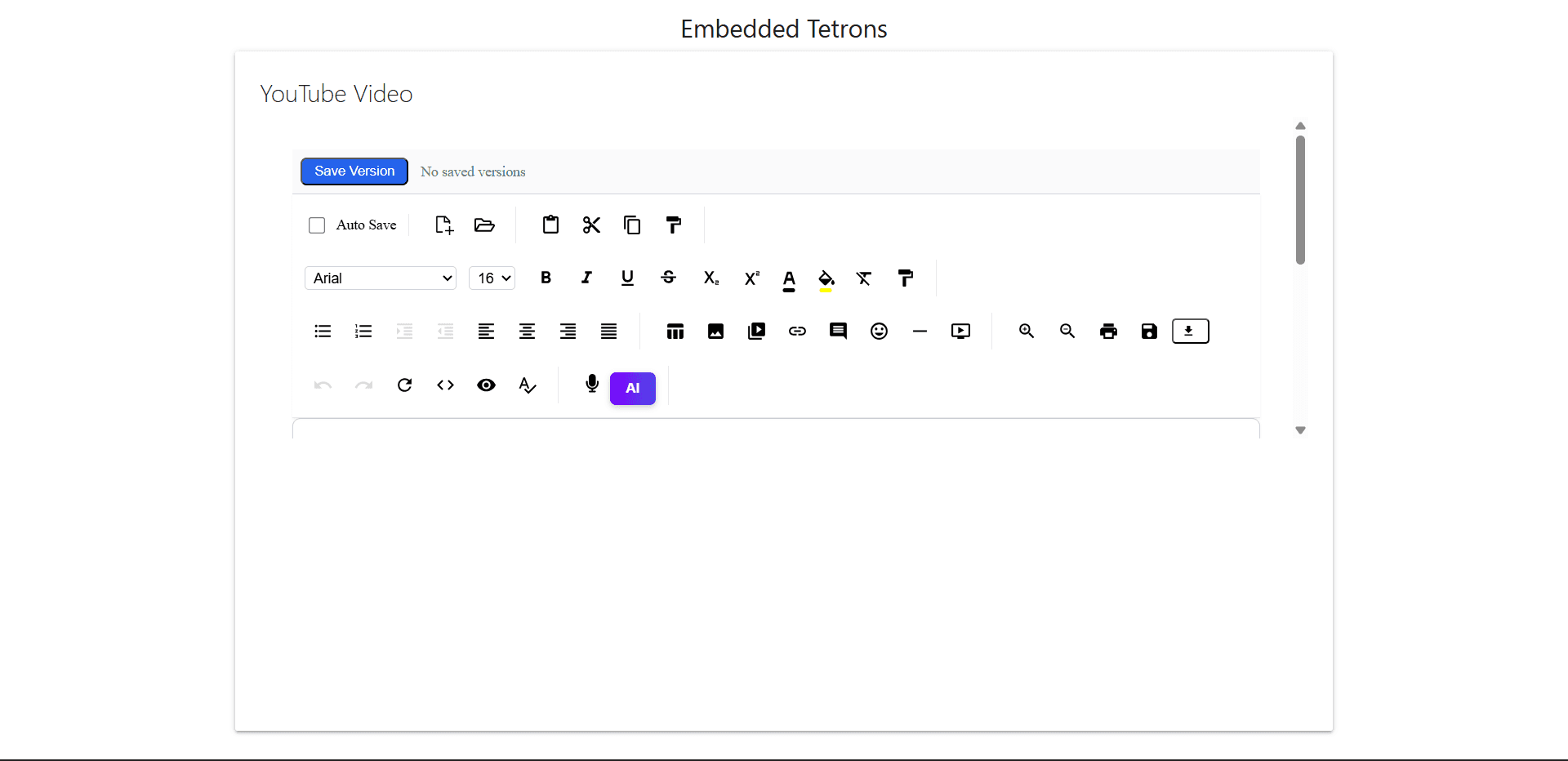
Embed Tetron Editor with Materialize CSS in SharePoint
1
Open Your SharePoint Page
1Step 1
Go to your Modern SharePoint site.
2Step 2
Click 'Edit' on the page.
3Step 3
Click the '+' sign to add a web part.
4Step 4
Choose 'Embed'.
2
Paste the below iframe of Tetrons editor in your code.
1<div class="video-container">
2  <iframe
3    id="tetrons-iframe"
4    src="https://product.tetrons.com/embed"
5    style="width:100%; height:100vh; border:none;"
6    allow="clipboard-read; clipboard-write; microphone; camera"
7  ></iframe>
8</div>
3
Important Notes
1Step 1
Modern SharePoint blocks some scripts and inline JS.
2Step 2
You cannot use <script> tags in Modern SharePoint Embed web parts, so Materialize JS won't work unless in a Classic page or custom SPFx solution.
3Step 3
Only CSS and HTML are reliably supported in the Embed web part.
4Step 4
If your SharePoint is on HTTPS, ensure the Tetron URL also uses HTTPS to avoid mixed content issues.
4
Optional (Classic Page / Script Editor)
1<script src="https://cdnjs.cloudflare.com/ajax/libs/materialize/1.0.0/js/materialize.min.js"></script>Output Preview