Materialize Installation Guide (CDN)
1
Embed Tetrons Editor
1Step 1
Create a new file: index.html or add the editor where you require it.
2Step 2
Paste the provided iframe code for Tetrons editor into the file.
1<body>
2  <iframe
3    id="tetrons-iframe"
4    src="https://product.tetrons.com/embed"
5    style="width:100%; height:100vh; border:none;"
6    allow="clipboard-read; clipboard-write; microphone; camera"
7  ></iframe>
8
9  <!-- Materialize JS CDN -->
10  <script src="https://cdnjs.cloudflare.com/ajax/libs/materialize/1.0.0/js/materialize.min.js"></script>
11</body>
2
Open in Browser
1Step 1
Double-click the html file to open it in your browser.
2Step 2
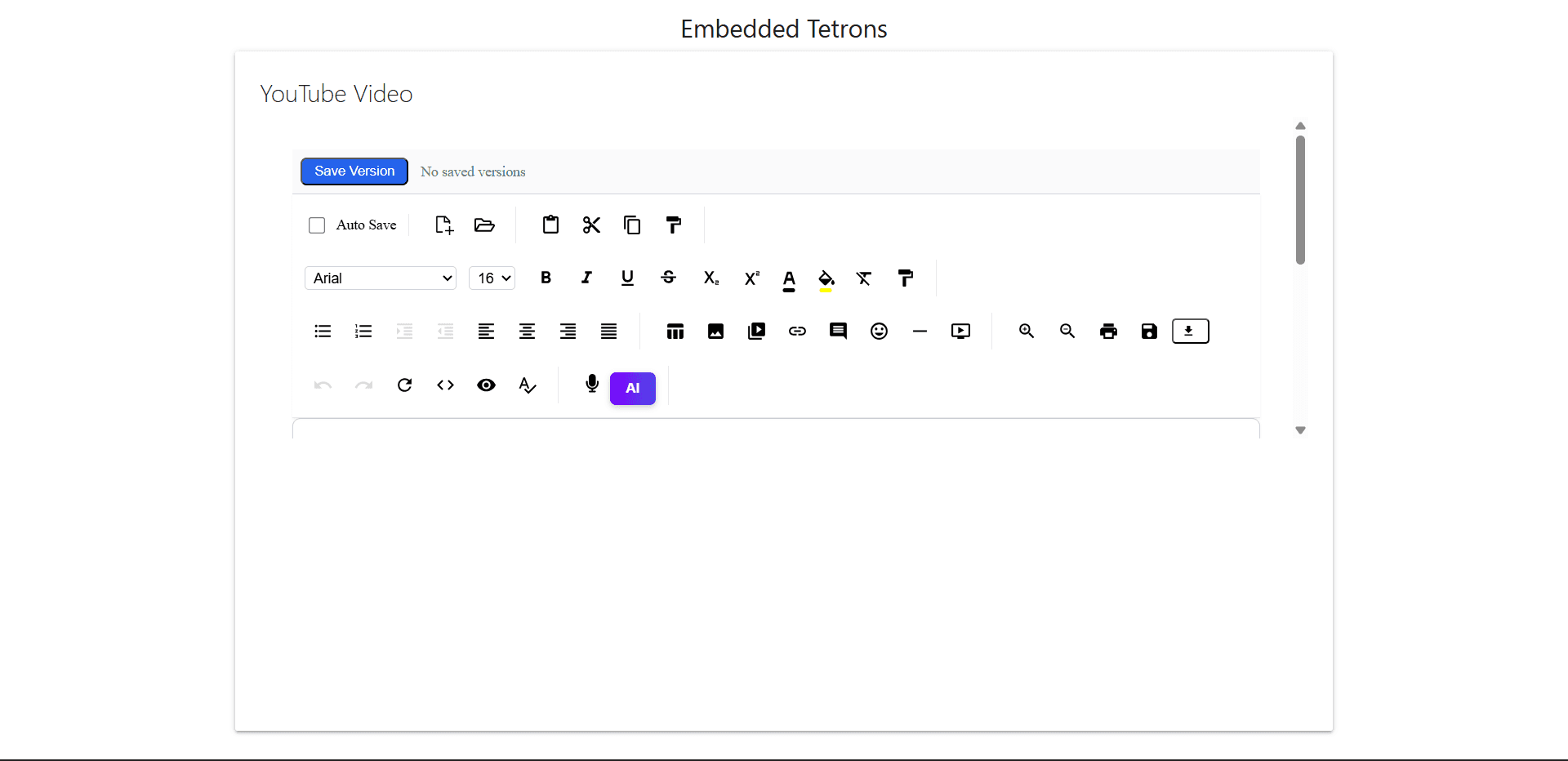
You should see the Tetrons Editor styled with Materialize.
3
Optional Enhancements
1Step 1
Use Materialize components like buttons, cards, modals, etc., to enhance the UI.
2Step 2
Refer to: https://materializecss.com for more components and layout options.
Output Preview