Bootstrap Installation Guide
1
Create a New HTML File
1Step 1
Open your code editor (like VS Code) and create a new file named index.html
2
Embed Tetrons Editor
1Step 1
Copy and paste the following iframe for Tetrons editor into your file:
1<body>
2  <iframe
3    id="tetrons-iframe"
4    src="https://product.tetrons.com/embed"
5    style="width:100%; height:100vh; border:none;"
6    allow="clipboard-read; clipboard-write; microphone; camera"
7  ></iframe>
8  <script src="https://cdn.jsdelivr.net/npm/bootstrap@5.3.2/dist/js/bootstrap.bundle.min.js"></script>
9</body>
3
Open in Browser
1Step 1
Open the HTML file using Live Server in VS Code
2Step 2
Or open it directly from file explorer
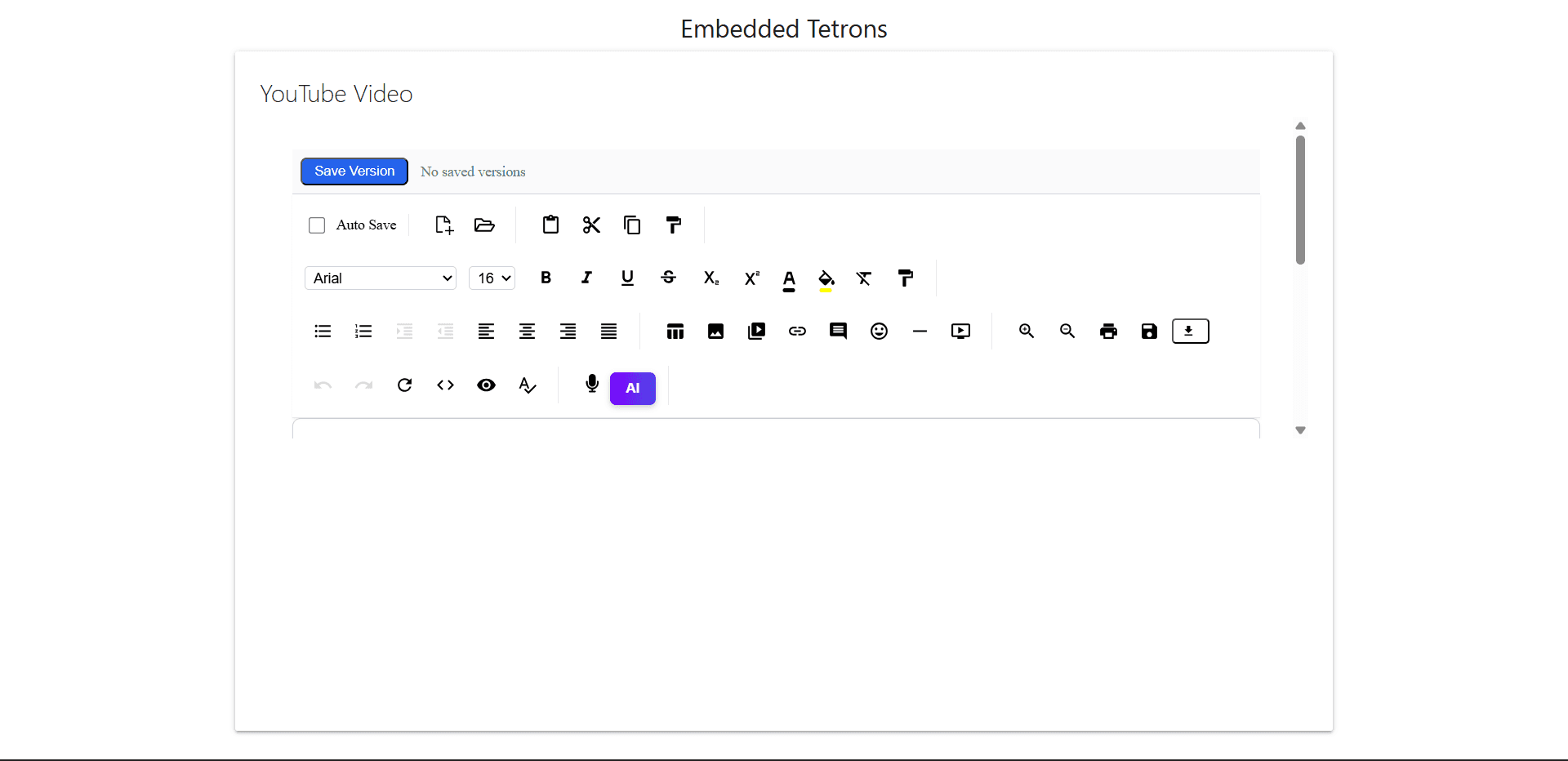
Output Preview