ASP Installation Guide
1
Install ASP.NET Core
1Step 1
Go to this link: https://dotnet.microsoft.com/en-us/download
2Step 2
Download the .NET 9.0 version
2
Create new project
1Step 1
Open VSCode
2Step 2
In command palette, type: .NET: New Project and click it
3Step 3
Select: ASP.NET Core Web App (Model-View-Controller)
3
Embed Tetrons Editor
1Step 1
Create a folder named wwwroot and add index.html or add the editor where you require
2Step 2
Inside the file add:
1<body>
2  <iframe
3    id="tetrons-iframe"
4    src="https://product.tetrons.com/embed"
5    style="width:100%; height:100vh; border:none;"
6    allow="clipboard-read; clipboard-write; microphone; camera"
7  ></iframe>
8</body>
4
Edit Program.cs
1Step 1
In Program.cs add the following:
1var builder  = WebApplication.CreateBuilder(args);
2var app  = builder.Build();
3
4app.UseDefaultFiles(); // Looks for the html file
5app.UseStaticFiles(); // Enables serving from wwwroot
6
7app.Run();
5
Run the program
1Step 1
Run: dotnet run, or
2Step 2
Using live server, or
3Step 3
Directly open the html file from file explorer
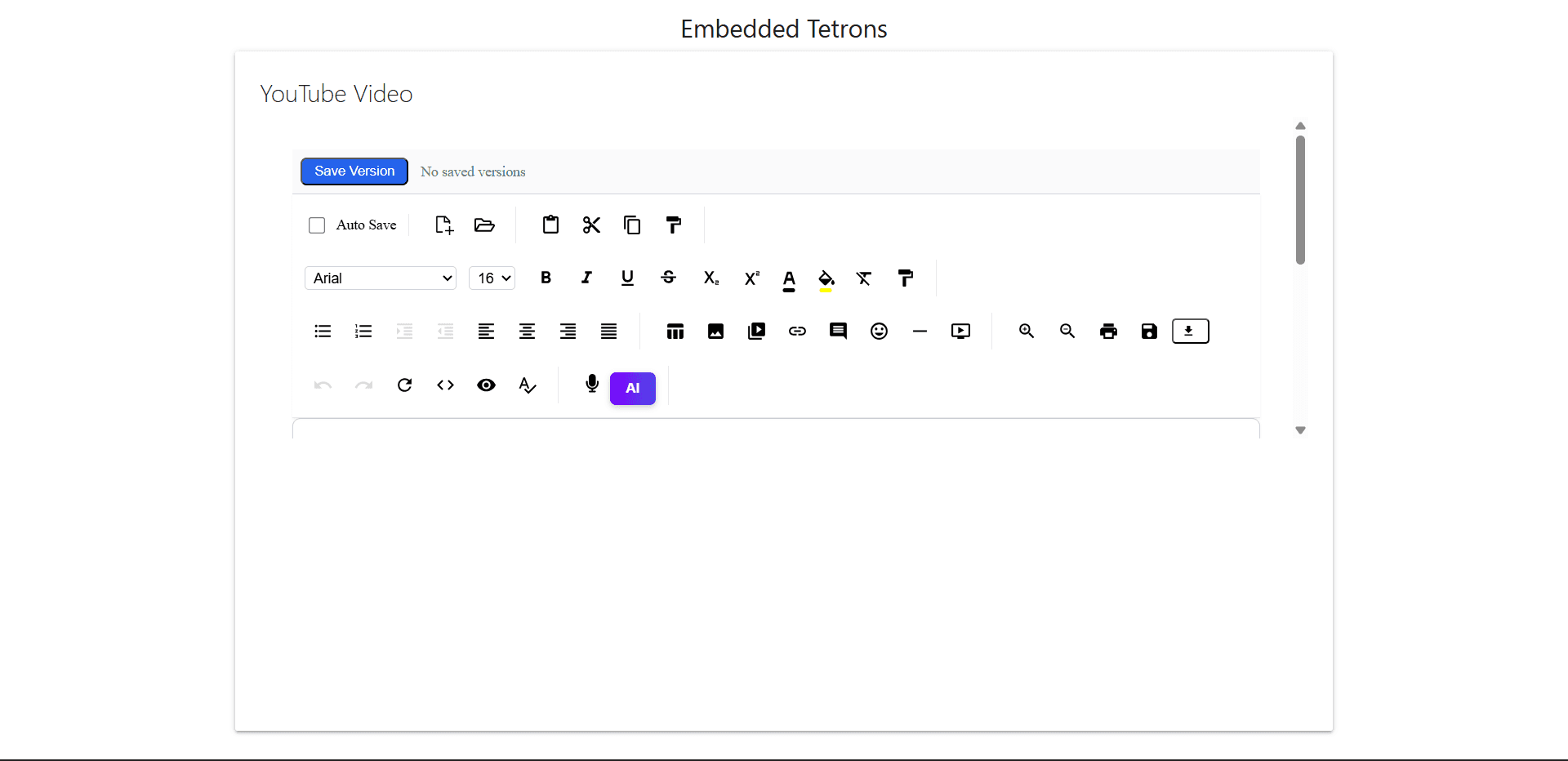
Output Preview